Jama Connect® Intelligent Engineering Management Platform
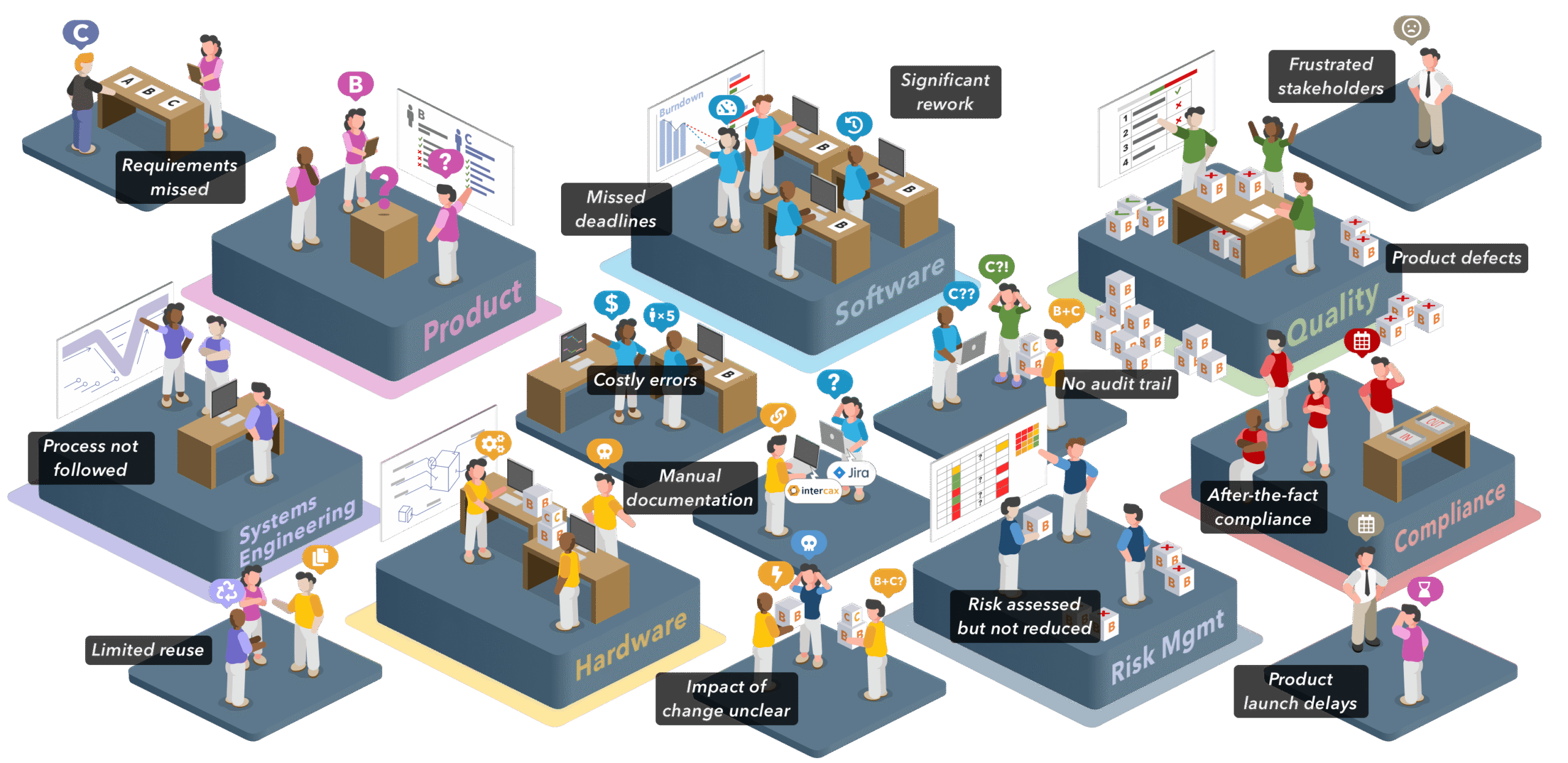
Jama Connect Uniquely Solves the #1 Problem for Multidisciplinary Product Companies
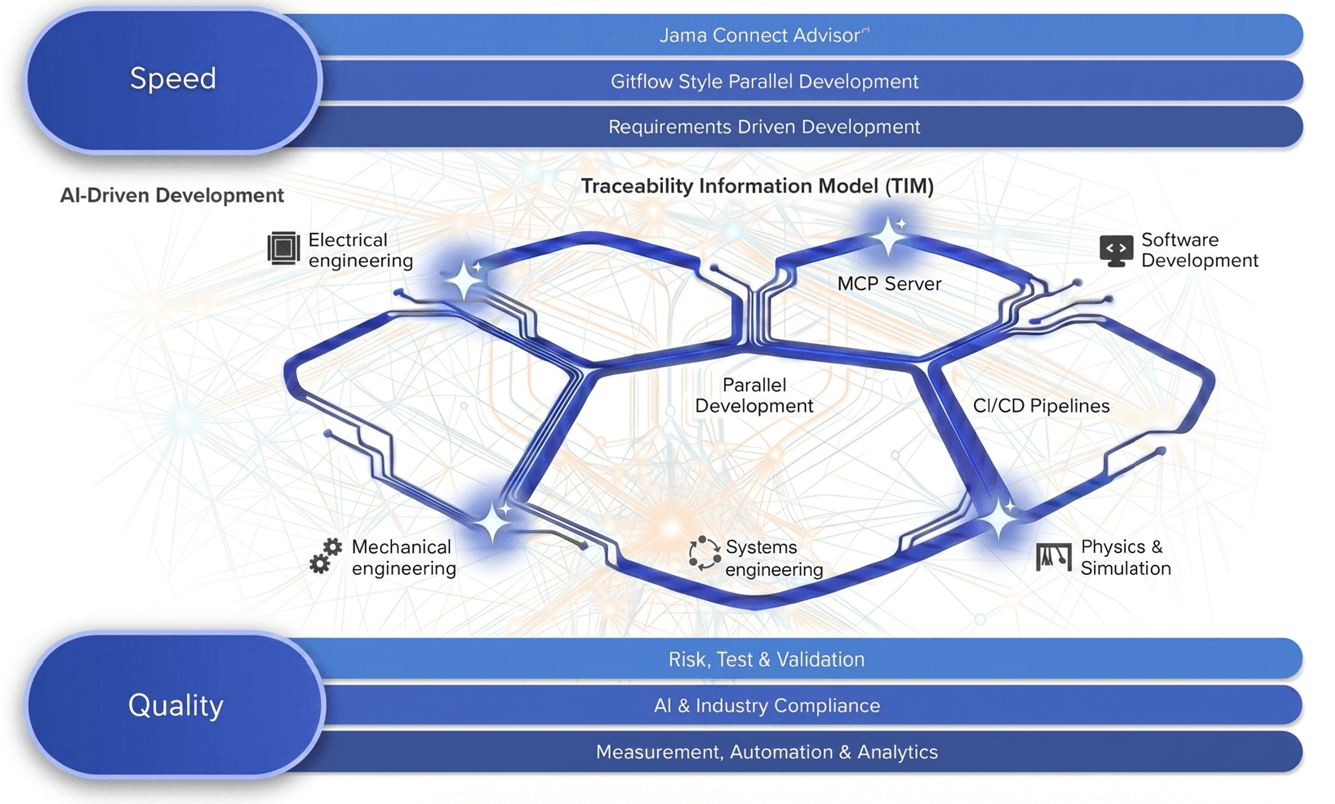
How Do We Increase Product Velocity
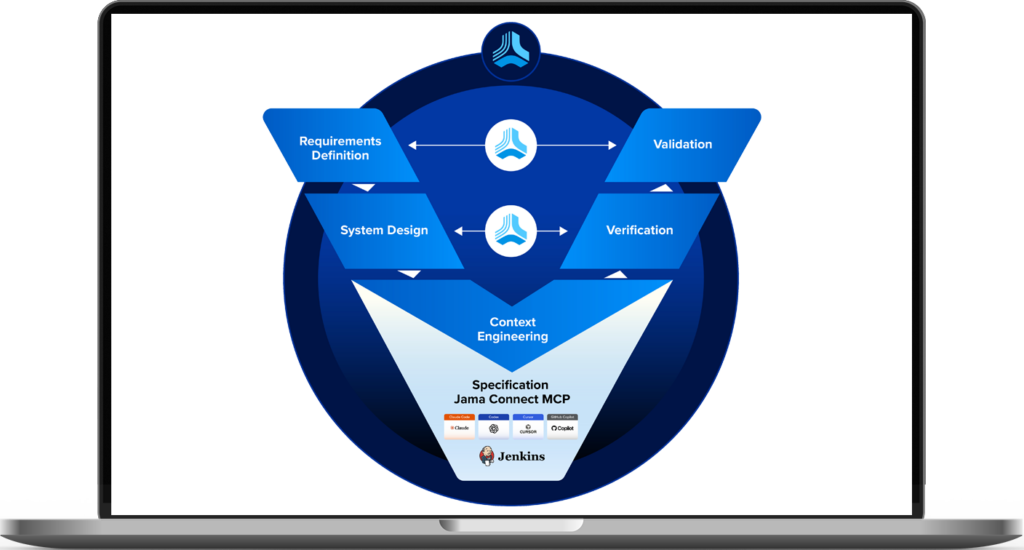
Only Jama Connect as your product context layer increases product velocity from AI-Driven Development
Jama Connect Intelligent Engineering Management
- Spec-Driven Development – Engineers and AI engineering agents iterate in a shared context via MCP
- LLM inference quality & token efficiency – A semantic product graph spans all disciplines via MCP
- Parallel automation – Branched parallel development via CI/CD pipelines across all engineering disciplines
- Live state – The live state of product development across all disciplines and branches continuously maintained.
- Scale – Projects scale to 10 million items and instances to 100 million items
- Compliance – All AI governance and industry standard compliance met with approvals and audit trails.
Trusted by the World’s Leading Companies






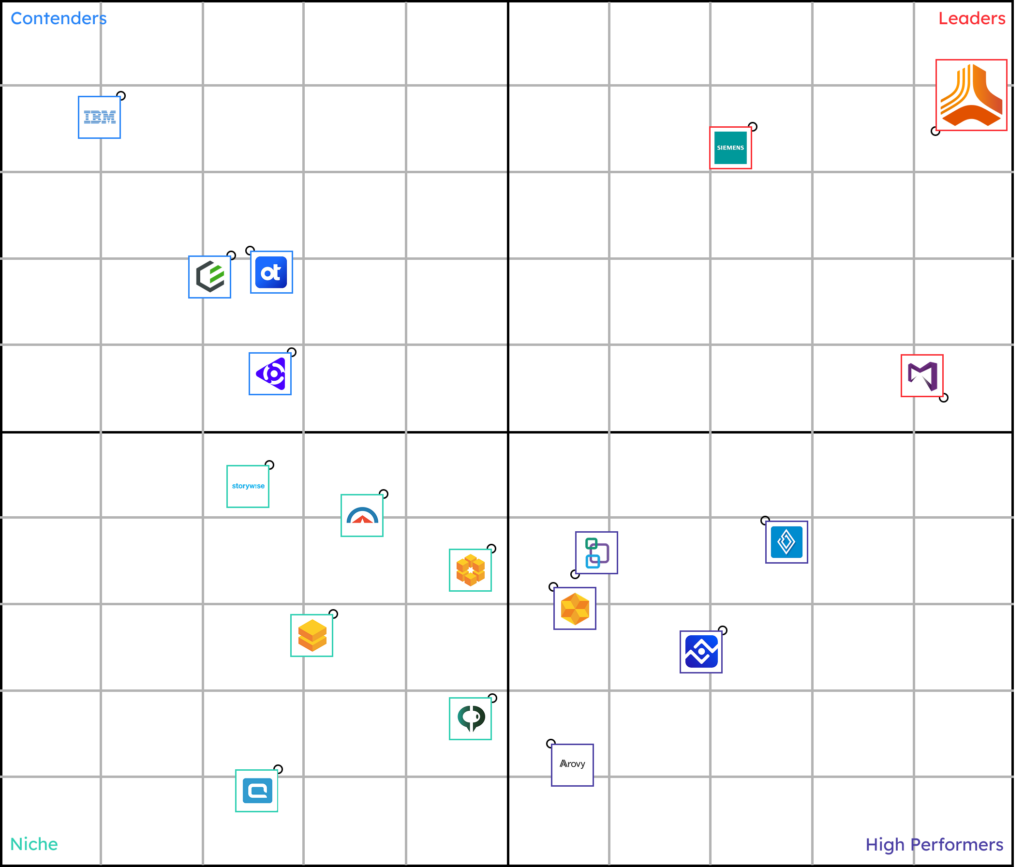
The Leader in Requirements Software for Engineering Management

Industry Solutions Built for Compliance and Process Excellence

Aerospace, Defense & Government
Accelerate Safe, Compliant Development of Mission-Critical Systems
Supported regulations and standards: ARP 4754 / ED-79, DO-178C / ED-12C-DO-254 / ED-80, SEBoK

Automotive
Support Functional Safety and Improve Supplier Alignment
Supported regulations and standards: ISO 26262, ASPICE, IEC 60812, SEBoK

Consumer Electronics
Enable Integrated, Compliant Hardware–Software Development
Supported regulations and standards: IEC 60812, ISO 13485, SEBoK

Energy
Enable Integrated, Compliant Hardware–Software Development
Supported regulations and standards: IEC 60812, ISO 13485, SEBoK
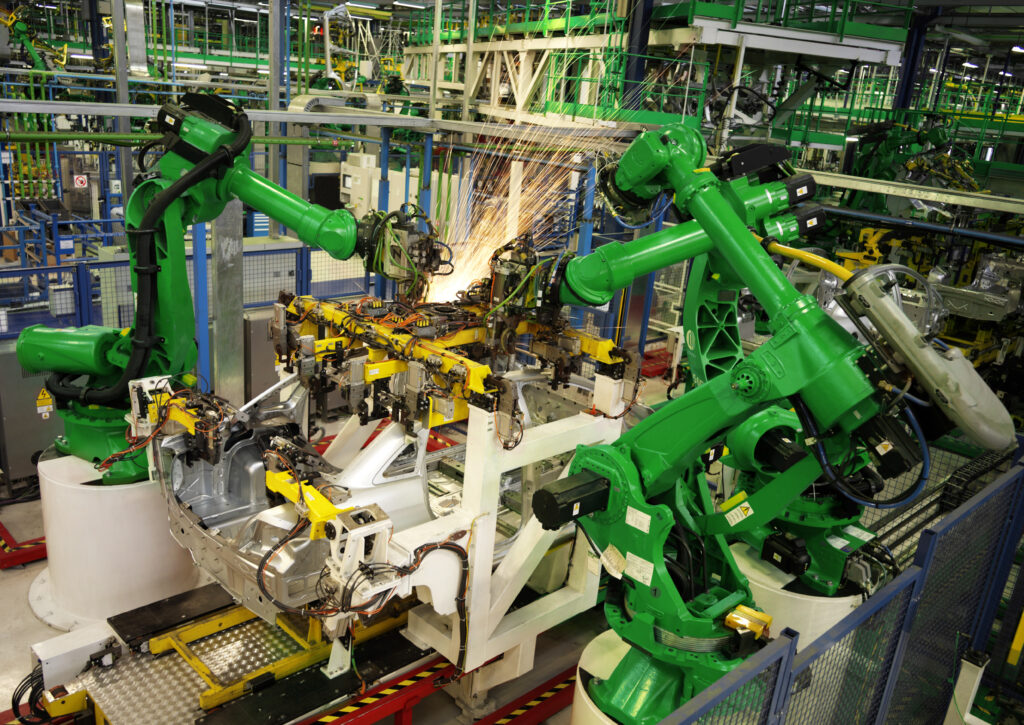
Industrial Tech, Machinery and Automation
Enable Integrated, Compliant Hardware–Software Development
Supported regulations and standards: IEC 60812, ISO 13485, SEBoK

MedTech & Life Sciences
Streamline Design Controls and Risk Management
Supported regulations and standards: ISO 13485, FDA 820.30, FDA 21 CFR Part 11, ISO 14971, IEC 60812, SEBoK

Semiconductor
Driving Functional Safety Across the Supply Chain
Supported regulations and standards: ISO 26262, ASPICE, IEC 60812, SEBoK

Software Development
Align Requirements With Agile Delivery Without Slowing Teams Down
Supported regulations and methodologies: Agile, SAFe®, BABOK®
See How the Top Tools Seamlessly Integrate with Jama Connect








Enterprise-Grade Scalability, Security and Reliability

In both the server & application
TISAX Level 2 certified

Data transferred is secured and encrypted

Validated for safety-related development
Codes with OWASP best practices
See Jama Connect in Action!
Our Jama Connect experts are ready to guide you through a personalized demo, answer your questions, and show you how
Jama Connect can help you identify risks, improve cross-team collaboration, and drive faster time to market through AI-native engineering management.